 Skip to content

Finding the right tool to simplify healthy eating and fitness can feel overwhelming with so many apps promising smarter plans and easier tracking. Some offer personal meal ideas while others focus on clever calorie counting or adaptive workouts. There are options for anyone who wants data driven support or just a little help getting organized in the kitchen. Each brings something unique to the table and the features, strengths, and quirks of these tools make the search for your perfect fit a little more interesting. Which one matches your style and goals best
Table of Contents
Dietium
At a Glance
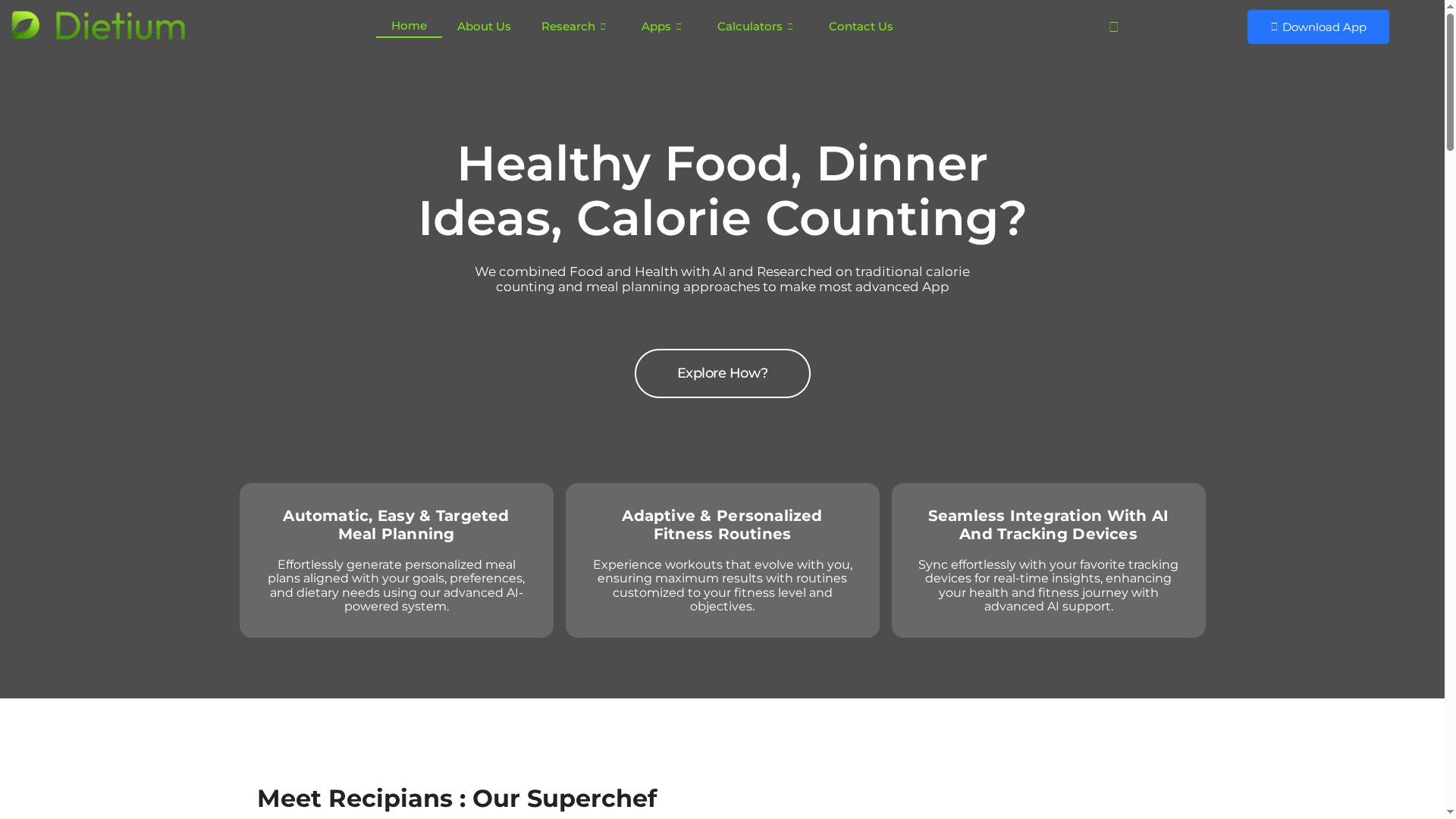
Dietium combines traditional calorie counting and meal planning with advanced AI to deliver personalized meal plans, adaptive workouts, and real-time health tracking. It consolidates calculators, recipes, expert articles, and device integration into a single platform that aims to reduce the friction of healthy living. Bottom line: if you want data-driven, tailored guidance that adapts as you progress, Dietium is built for that purpose.
Core Features
Dietium offers automatic, targeted meal planning powered by AI alongside adaptive and personalized fitness routines. The platform integrates seamlessly with tracking devices to collect real-time activity, water, and sleep data, while in-app calculators cover calorie, BMR, BMI, and other health metrics. Users get personalized recipe suggestions and daily meal ideas, plus comprehensive health articles and guides covering metabolism, micronutrients, macros, vitamins, and minerals. Everything is designed to work together: tracking informs meal and workout adjustments, and educational content clarifies the why behind each recommendation.
Pros
- Highly personalized meal and fitness plans: Dietium uses AI and your tracked data to tailor plans to your goals and preferences, so recommendations feel relevant from day one.
- Seamless device integration for real-time insights: Connecting wearables and trackers feeds continuous data into the app, enabling adaptive changes without manual entry.
- Comprehensive health tracking and calculators: Built-in calorie, BMR, and BMI calculators plus water and sleep logs centralize the metrics that matter to health-conscious users.
- Rich content including recipes, articles, and expert advice: The app pairs practical recipes with science-backed guides to help you understand nutrition choices, not just follow them.
- User testimonials highlight personalization and ease of use: Reviews emphasize that personalization and the unified experience make daily healthy decisions simpler and more sustainable.
Who It’s For
Dietium is ideal for health-conscious individuals who want technology to remove guesswork from nutrition and fitness. Whether you are a beginner learning macros, a fitness enthusiast wanting adaptive workouts, or someone tracking sleep and hydration for overall wellness, Dietium provides the calculators, content, and connected tracking to support measurable progress.
Unique Value Proposition
Dietium’s strength is its fusion of automated AI meal planning with evidence-based educational content and real-time device integration. Rather than offering disjointed tools, it creates a feedback loop where tracked metrics inform personalized meals and adaptive workouts, and articles explain the rationale behind adjustments. This full-stack approach—calculators, recipes, adaptive training, sleep and water tracking, and actionable guides—positions Dietium above single-focus apps. It’s designed to be the command center for personal health, reducing the need to jump between multiple apps and spreadsheets. Any perceived complexity is a trade-off for depth: the platform intentionally prioritizes comprehensive, data-driven personalization over overly simplified templates.
Real World Use Case
A user plans a weekly menu in Dietium based on calorie and micronutrient needs, syncs their fitness tracker, logs water and sleep automatically, and receives daily recipe ideas and evolving workouts. As their activity increases, the AI adjusts caloric targets and training intensity so progress continues without manual recalculation.
Pricing
Pricing is not specified on the website.
Website: https://dietium.com
Eat This Much
At a Glance
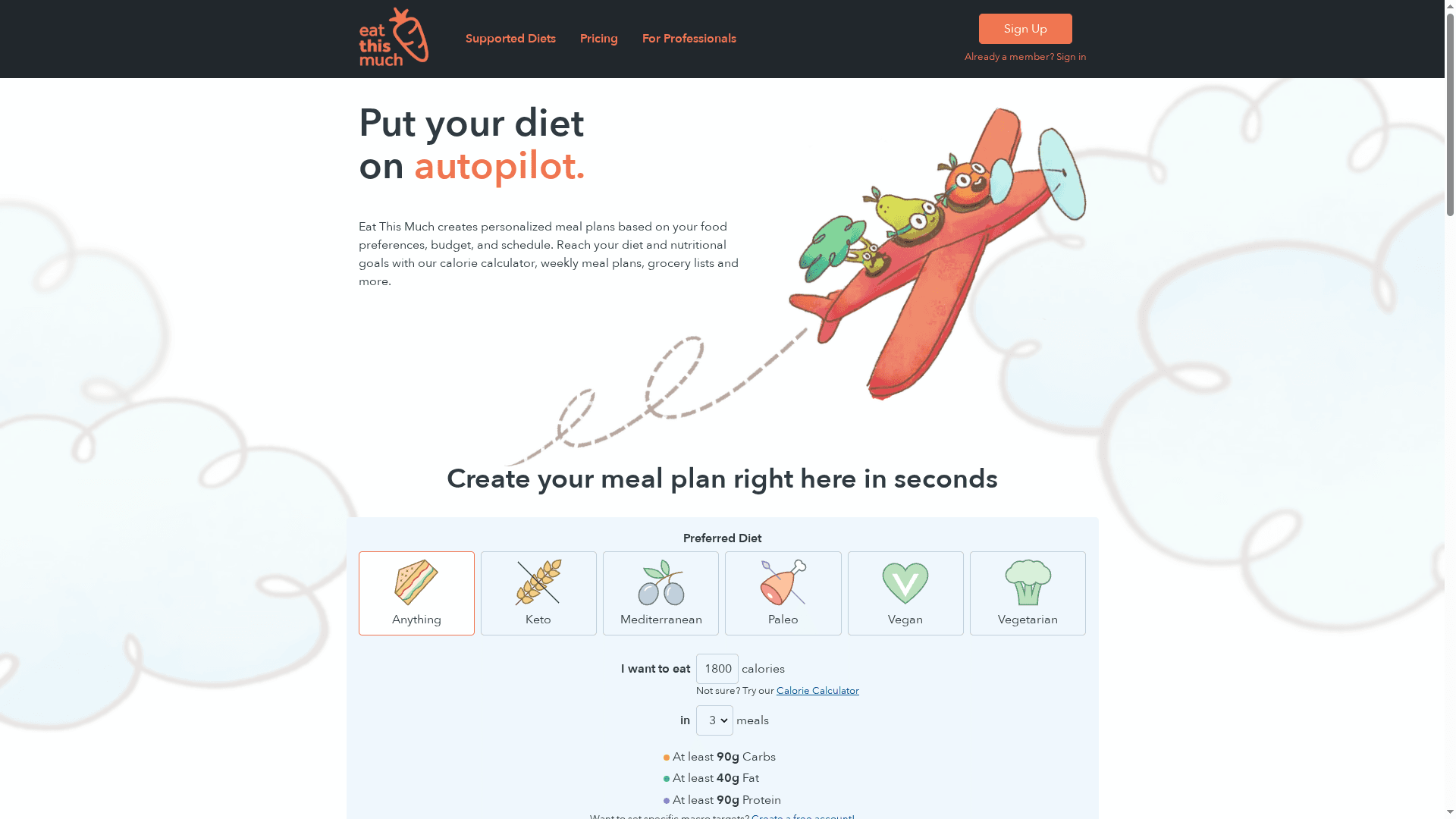
Eat This Much is an automatic meal planner that builds personalized weekly meal plans and grocery lists to help you meet calorie and macro goals with minimal effort. It excels at turning dietary preferences and schedules into actionable shopping lists and repeatable menus, saving time and reducing food waste. Setup requires some initial customization, and full functionality is behind the premium tier, but the core promise—automated, goal-driven meal planning—delivers for busy individuals and professionals.
Core Features
Eat This Much generates personalized meal plans driven by user preferences, budget, and schedule while offering a built-in calorie calculator and macro target customization. It produces weekly meal plans and grocery list generation, supports pantry management and recurring foods, and lets you customize common eating styles like vegan, paleo, and keto or create your own diet rules. Notably, it integrates with grocery delivery services such as Instacart and Amazon Fresh and includes quick ingredient filters, recipe collections, sharing options, and tools to help reduce food waste.
Pros
- Automates meal planning and shopping: The app turns preferences into weekly menus and grocery lists, saving you time on decisions and preparation.
- Built for goal-focused nutrition: With a calorie calculator and macro customization, it helps you align daily intake with weight-loss or performance targets.
- Flexible dietary customization: You can choose preset diets or create custom rules, making the planner suitable for many restrictive or preference-based eating styles.
- Practical grocery integrations: Integration with grocery delivery services streamlines the transition from plan to pantry, reducing friction for users who prefer delivery.
- Effective for long-term habit-building: Users report consistent improvements in organization and adherence when they follow generated plans.
Cons
- Results depend on user adherence to the plan: The effectiveness of Eat This Much hinges on how closely you follow the generated meals and shopping lists.
- Limited free features: The free tier offers basic value, but many time-saving and advanced options require the premium subscription.
- Initial setup takes time: Defining preferences, pantry items, and diet rules demands an upfront investment of minutes to hours to get ideal results.
Who It’s For
Eat This Much is ideal for busy people who want automated, customizable meal planning—particularly those juggling work, family, or training schedules. It fits individuals with specific diet goals (keto, vegan, paleo), nutrition-minded beginners who want structure, and nutrition professionals managing client meal plans. Families and solo meal planners who value reduced shopping friction and lower food waste will also benefit.
Unique Value Proposition
Eat This Much stands out by combining automation with nutritional specificity: it doesn’t just suggest recipes, it programs a week of meals around your calories, macros, budget, and pantry, then converts that plan into a ready-to-use grocery list and delivery option. That end-to-end workflow is its core strength.
Real World Use Case
A user sets weight-loss macro targets, chooses a vegetarian preference, and links pantry staples. Each Sunday the app generates a week of meals and a consolidated grocery list, which the user orders via a delivery integration—saving two hours a week and improving adherence to calorie goals.
Pricing
Free plan available with basic features; Premium plan costs $5.00 per month with an annual subscription and unlocks advanced customization and automation; Professional plans are priced per client with customized offerings.
Website: https://eatthismuch.com
MyFitnessPal
At a Glance
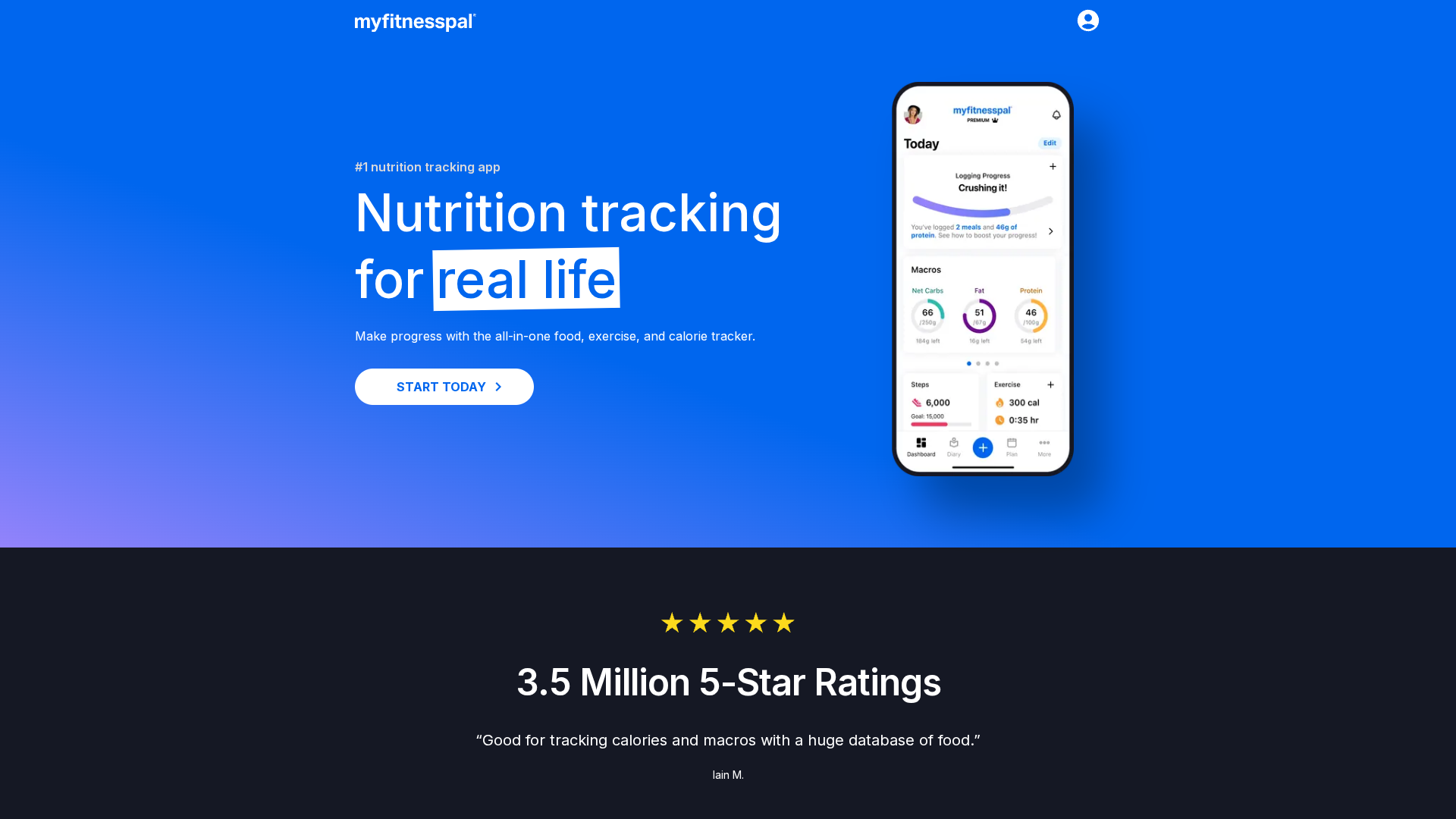
MyFitnessPal is a comprehensive calorie tracker and BMR calculator built for everyday nutrition and fitness tracking. It combines an extensive food database, easy food-entry tools, and progress monitoring so you can see trends over weeks and months. The app works well for goal-driven users who want to track calories, macros, and activity in one place. It’s powerful, approachable, and best when you’re willing to invest time in consistent logging.
Core Features
MyFitnessPal provides nutrition tracking for calories, macros, vitamins, and micronutrients, plus barcode scan and voice log options to speed up food entry. You can log exercise, water, steps, and weight to monitor progress, and the app integrates with over 35 apps and devices including fitness trackers and smart scales. Premium users get custom meal plans and tailored weekly nutrition goals, while everyone else benefits from BMR and BMI calculators to personalize targets.
Pros
- Massive food database: The app includes over 20 million items, which makes finding packaged foods and restaurant items faster and more likely to match what you actually ate.
- All-in-one tracking: MyFitnessPal lets you record exercise, weight, water, fasting, and steps alongside nutrition so your progress appears in a single timeline.
- User-friendly logging: Barcode scanning and voice logging simplify daily entries, which reduces friction for users who track frequently.
- Personalized goal setting: Built-in BMR and BMI calculators support tailored calorie and macro targets based on your physiology and goals.
- Free access with upgrades: A robust free tier covers most tracking needs, while optional premium tools add meal plans and deeper customization.
Cons
- Some key features are paid: Custom meal plans and tailored weekly goals require a premium subscription, which may frustrate users expecting full functionality for free.
- Ads can be intrusive in the free version: The ad-supported experience interrupts workflow and can feel distracting during frequent logging sessions.
- Data accuracy depends on users: Since many entries come from community-submitted items, accuracy varies and requires careful verification by the user.
Who It’s For
MyFitnessPal suits anyone committed to managing diet and fitness with detailed tracking—beginners who want guidance and experienced users who need comprehensive logs. If you want to lose weight, gain muscle, or simply monitor nutrient intake while syncing devices, this app gives the tools you need. It’s particularly useful for people who appreciate an extensive database and strong integration with other health devices.
Unique Value Proposition
MyFitnessPal’s strength is its combination of scale and convenience: a huge food database, straightforward logging tools, and broad device integrations that let you centralize nutrition and activity data in one place. That centralization makes it easier to spot trends and adjust behavior over time.
Real World Use Case
A user logs daily meals using barcode scans, adds a 30-minute run, and tracks weight and water intake weekly; after a month they review macro trends, adjust portions, and refine targets to support fat loss while preserving muscle.
Pricing
Free with an optional premium subscription available on monthly or annual plans.
Website: https://myfitnesspal.com
Lose It!
At a Glance
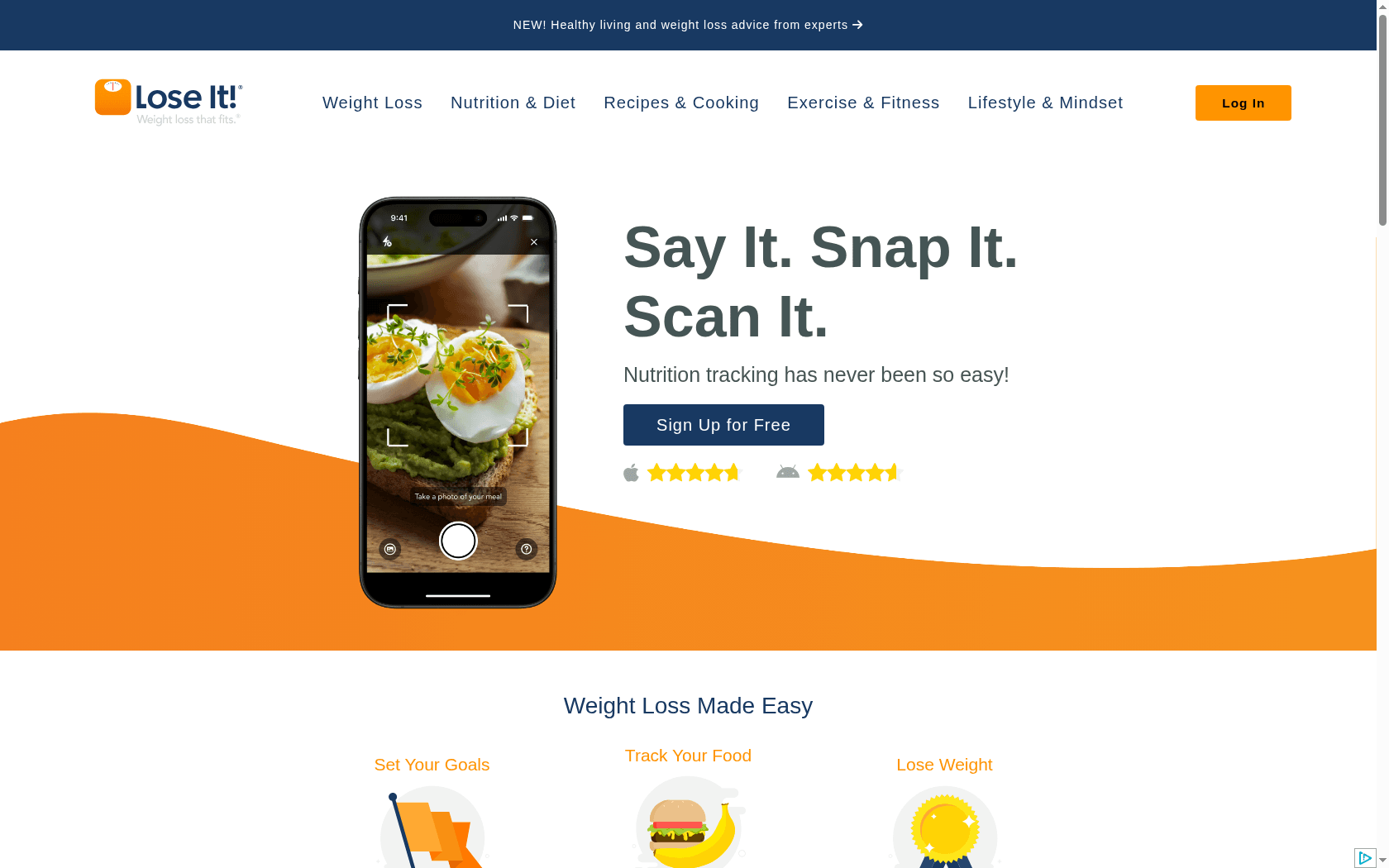
Lose It! is a focused weight-loss app that centers on personalized goals, straightforward nutrition logging, and device integration to give you a clear picture of daily energy balance. It combines automated conveniences—like barcode scanning and image-based food recognition—with community-driven motivation and progress reports to keep you accountable. Simple enough for beginners, yet detailed enough for users who want macro and hydration tracking. Bottom line: a practical, habit-focused tool for people serious about losing weight through consistent tracking.
Core Features
Lose It! provides personalized weight-loss goals, daily food and calorie tracking, water intake logging, and macronutrient breakdowns to help you balance meals. The app syncs activity and exercise data through Apple Health and Google Fit integrations so calorie burn and steps feed into your daily totals. It also generates patterns and progress reports for behavioral insights, includes a barcode scanner for fast logging, and offers a smart camera feature that suggests foods from images. Community stories and expert tips add social motivation and real-world guidance.
Pros
- Personalized goal setting adapts to you: The app tailors targets to your weight-loss objectives so recommendations feel relevant and actionable.
- Comprehensive multi-faceted tracking: Tracking food, water, and macros in one place makes daily nutrition visible and easier to manage.
- Seamless device integration: Syncing with Apple Health and Google Fit keeps activity data current without extra input from you.
- Automated logging speeds entry: Barcode scanning and image recognition reduce manual typing and improve consistency when logging foods.
- Supportive community and success stories: Community features provide motivational support and practical tips from people on similar journeys.
Cons
- Some advanced features may require a premium subscription: Access to the full suite of analysis and automation can be gated behind a paid plan.
- Results depend on input accuracy: The app can only be as precise as the food portions and entries you record, so human error affects outcomes.
- Free access has limitations compared to premium: Users on the free tier will find certain helpful reports and automations restricted.
Who It’s For
Lose It! is ideal for individuals seeking an easy-to-use, comprehensive weight-loss tracker that balances automated convenience with manual control. It fits beginners who need straightforward calorie guidance and more experienced users who want macro insights and device syncing. If you value community support and simple, repeatable habits, this app will suit your routine.
Unique Value Proposition
Lose It! stands out by blending precise nutrition tracking with time-saving automation—barcode and camera logging—plus integration with major fitness platforms. That combination lets you spend less time entering data and more time acting on clear, personalized insights.
Real World Use Case
A user sets a weight-loss goal, links their fitness device, scans groceries with the barcode reader, and uses the smart camera for restaurant meals. Over weeks they review progress reports, adjust portions based on macro feedback, and draw motivation from community success stories to stay consistent.
Pricing
Free with an optional premium subscription that unlocks additional features and advanced reports. Exact premium pricing is available on the product website.
Website: https://loseit.com
YAZIO
At a Glance
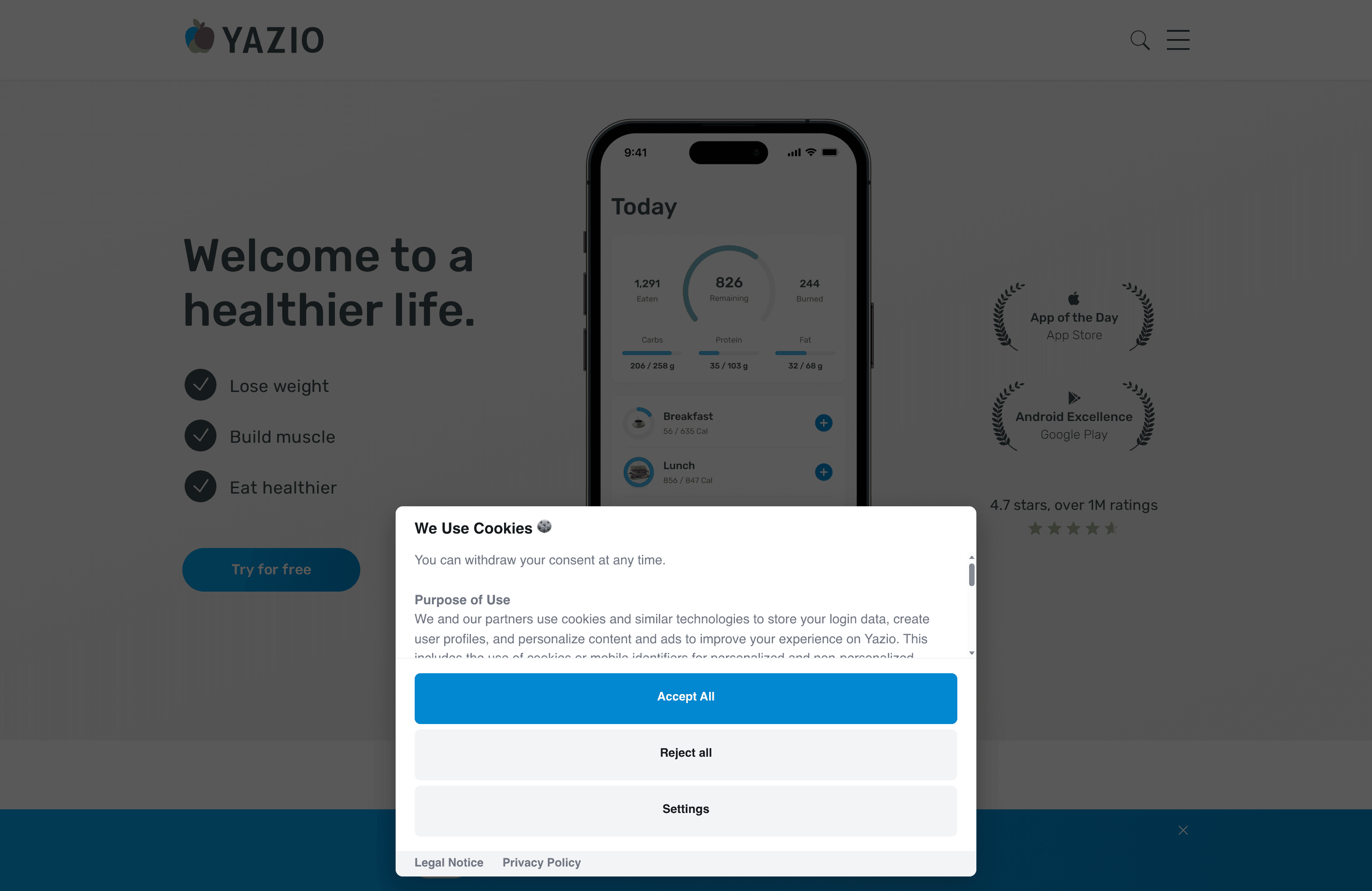
YAZIO is a focused health app built to support weight loss, muscle building, and healthier eating with a clean, user-friendly interface. It combines a robust calorie counter, structured intermittent fasting plans, and a large recipe library to help you stay consistent. Users report real progress, and the app pairs with fitness trackers for automatic activity logging. Bottom line: YAZIO is a practical, no-nonsense tool for people who want measurable results without unnecessary complexity.
Core Features
YAZIO centers on calorie tracking and personalized planning: a calorie counter backed by over 1 million ratings, intermittent fasting protocols (16:8, 5:2, 6:1) with built-in countdowns, and more than 3,000 recipes tailored to preferences. It also supports automatic activity and step tracking by connecting to fitness trackers and fosters motivation through success stories and an active community. The interface emphasizes simplicity so you can log food, follow fasting windows, and review progress quickly.
Pros
- User-friendly design: The app’s clean layout and intuitive workflows make logging meals and checking fasts straightforward for beginners and experienced users alike.
- Effective for weight management: Many users report successful weight loss and healthier eating patterns, indicating the app’s tools translate into measurable outcomes.
- Personalized meal and fasting plans: YAZIO offers structured fasting options and personalized meal suggestions that adapt to your goals and preferences.
- Automatic activity tracking: When connected to a fitness tracker, steps and activity are logged automatically, reducing manual entry and improving daily calorie estimates.
- Motivational community and success stories: Built-in success stories and community features help maintain accountability and provide social proof for users working toward similar goals.
Cons
- Premium gating on advanced features: Several valuable capabilities require upgrading to the pro version, which can limit functionality for free users.
- Unclear scope of free vs. paid features in the provided extract: The information about what is free and what requires payment is limited in the data available, so expectations may vary until you explore the app.
Who It’s For
YAZIO is ideal for individuals who want practical, data-driven support for weight loss, muscle building, or clean eating without a steep learning curve. If you value structured fasting windows, a large recipe library, and automatic activity syncing, this app fits well. It’s particularly useful for people who prefer a straightforward interface over feature-packed complexity.
Unique Value Proposition
YAZIO’s strength lies in combining a highly rated calorie counter with structured intermittent fasting plans and an extensive recipe database, all wrapped in an accessible user experience. That mix makes it easier to adopt lasting habits rather than chase short-term fixes.
Real World Use Case
Imagine logging daily meals, following a 16:8 fasting schedule with on-screen countdowns, and automatically syncing steps from your tracker. YAZIO suggests recipes tuned to your preferences and shows progress through community success stories, helping you turn consistent actions into measurable weight loss.
Pricing
Free with optional premium features; exact premium pricing details are not specified in the provided data.
Website: https://yazio.com
Health and Fitness App Comparison
Here’s a comprehensive comparison of health and fitness apps to help you choose the one that best fits your goals and lifestyle. Compare features, pricing, and key pros and cons of each tool.
| App Name | Core Features | Pros | Cons | Pricing |
|---|---|---|---|---|
| Dietium | AI-driven meal plans, fitness routines, device integration | Personalized plans, rich content, device integration | Pricing not specified | Not available |
| Eat This Much | Automatic meal planning, grocery lists, calorie calculator | Automates planning, grocery integrations, flexible diets | Initial setup time, limited free features | Free with Premium $5/month |
| MyFitnessPal | Calorie tracker, extensive food database, device integration | Massive database, all-in-one tracking, personalized goals | Ads in free version, some key features paid | Free with Premium options |
| Lose It! | Weight-loss goals, device sync, community support | Personalized goals, automated logging, supportive community | Some features paid, data accuracy importance | Free with Premium features |
| YAZIO | Calorie tracking, fasting plans, recipe library | User-friendly, effective weight management, automatic tracking | Premium gating on features, unclear free vs. paid | Free with Premium features |
Unlock Personalized Wellness with Dietium’s Recipians App
The “Healthy Recipe App Comparisons – Expert Review 2025” highlights common challenges people face such as confusing meal planning options, lack of personalized guidance, and difficulty syncing nutrition with fitness goals. These struggles often leave users frustrated and overwhelmed while trying to find meal plans that actually fit their unique needs and lifestyle. If you have ever felt uncertain about which calorie or macro targets to follow or wished for a solution that adapts as you progress, you are not alone.
Dietium’s Recipians app directly addresses these pain points by combining AI-driven meal planning with adaptive fitness routines tailored just for you. With integrated health calculators and seamless device syncing, Recipians removes the guesswork, giving you customized recipes, real-time adjustments, and expert guidance based on your daily activity. Dive into our comprehensive Recipians platform today and transform your health journey with science-backed, personalized tools that grow with your progress.
Take control now by exploring Dietium’s Recipians to start receiving meal and fitness plans designed around your goals. Embrace convenience, precision, and ongoing support for healthier choices every day.
Frequently Asked Questions
What are the key features to look for in a healthy recipe app?
A good healthy recipe app should offer personalized meal planning, nutritional information, and easy-to-follow recipes. Explore features like grocery list generation, calorie tracking, and options for specific dietary preferences to find the app that aligns with your goals.
How can a healthy recipe app help with meal planning?
Healthy recipe apps can simplify meal planning by generating personalized menus based on your dietary needs and preferences. Start by entering your goals and selecting recipes, and the app will create a grocery list that fits your meal plan.
What should I consider when choosing a healthy recipe app?
When choosing a healthy recipe app, consider factors such as user friendliness, the variety of recipes, nutritional information, and integration with fitness trackers. Evaluate how well the app will fit into your lifestyle and support your health goals before making a decision.
How can I maximize my use of a healthy recipe app?
To maximize the benefits of a healthy recipe app, regularly track your meal prep and nutrition progress within the app. Aim to log your meals daily, and within a week, you should notice patterns that can help you adjust your eating habits.
Are healthy recipe apps suitable for beginners in cooking?
Yes, many healthy recipe apps cater to beginners by providing step-by-step instructions and cook time estimates. Look for apps that include beginner-friendly recipes and cooking tips to build your skills while enjoying nutritious meals.
Can I follow specific diets on a healthy recipe app?
Most healthy recipe apps allow you to filter recipes based on specific diets, such as vegan, paleo, or keto. Select your dietary preferences in the app settings to receive tailored recipe recommendations that align with your chosen diet.
Recommended
- Meal Planning Apps Comparison – Expert Review 2025 – Dietium
- Healthy Cooking Methods 2025: Easy Tips for Better Meals – Dietium
- Healthy Grocery Shopping Tips for Smart and Balanced Choices – Dietium
- Essential Meal Prep Tips for Beginners: Save Time and Eat Healthy – Dietium
- Plant Based Meal Planning: A Step-by-Step Success Guide – naturessoulshop
- 7 Easy Vegan Dinner Recipes for Healthy Living – naturessoulshop


